Free tool / no watermark
Meme Generator — make a meme with your own picture
Turn any photo into a meme in under a minute. Classic top-and-bottom captions in that thick white lettering, or free-floating text you can drag anywhere — and the download has no watermark, ever.
Local meme typesetting bench
Use your own image; drag every text layer; no unlicensed template library is bundled
Upload your own picture
PixArmory ships no third-party meme templates. Your image stays in this tab.
Drop, browse, or paste an image
STEP BY STEP
How to make a meme
Upload your picture
The pet, the group chat screenshot, your friend’s unfortunate expression — any JPG, PNG, or WebP.
Write the caption
Top and bottom text appear in the classic bold white style with a black outline that stays readable on any background.
Style and place it
Drag captions anywhere, add more text layers, change size, font, and colors until it lands right.
Download and post
PNG for the crispest lettering, JPG for a smaller file. No watermark in the corner either way.
SEE THE RESULT
Examples that make the workflow clearer
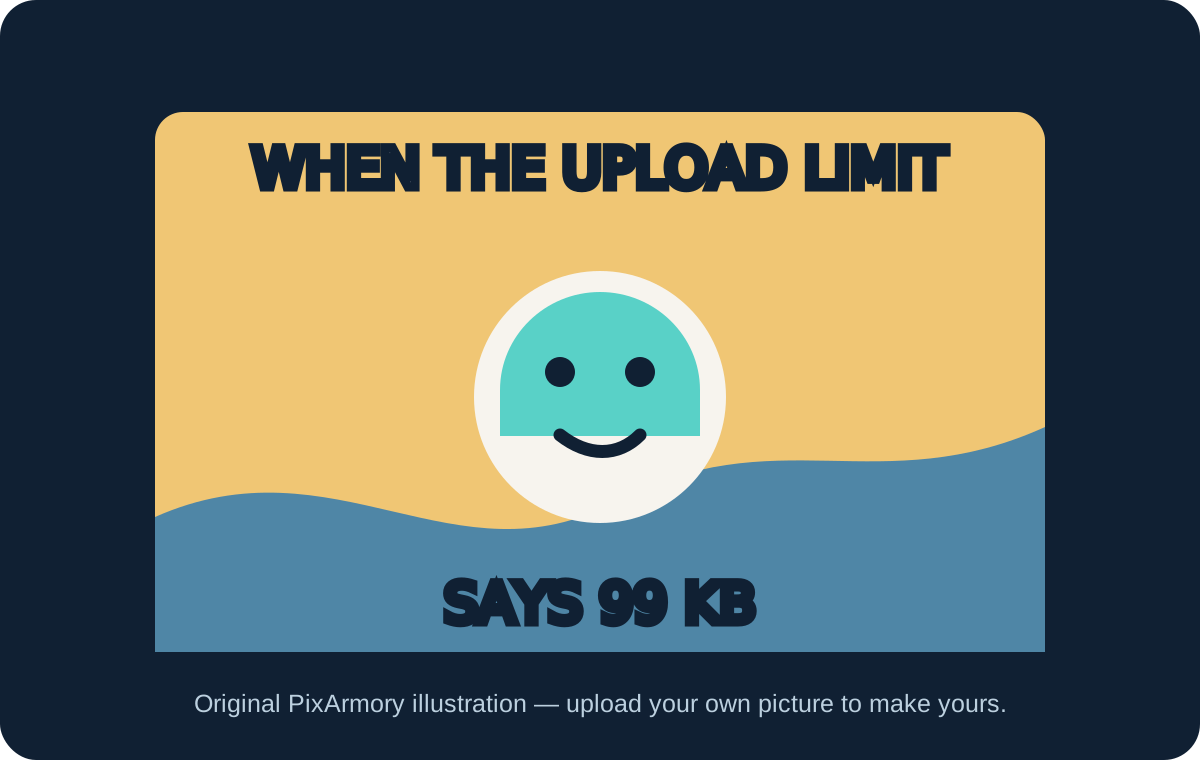
Classic captioning, with an original example
This self-made illustration shows the built-in top-and-bottom caption treatment without relying on an unlicensed meme template.
REAL-WORLD USES
Memes people actually make here
Group chat inside jokes
The best memes use photos only your friends would recognize. Caption last weekend’s photo and drop it in the chat while it’s still funny.
Team and office humor
Slack memes from screenshots and office photos — made on your own device, which is handy when the joke involves internal material.
Pet content
Your cat already has the expression. It just needs the caption.
WHAT YOU GET
Meme generator features
No watermark, actually
Many meme sites stamp their logo on your joke or charge to remove it. Downloads here are clean, free, at full resolution.
The classic look, done right
Bold white lettering with a black outline — the tried-and-true style that reads clearly over bright skies and dark rooms alike.
Free placement, multiple layers
Not every meme is top-text-bottom-text. Add as many text layers as the joke needs and drag each one exactly where it works.
Private by default
The photo and your captions never leave your browser. The unflattering screenshot of your friend stays between you and them.
01 / FIELD NOTE
Why there’s no template gallery
Most famous meme images are stills from films, shows, and other people’s photos — material we don’t have the right to hand out. Rather than ship a gallery of someone else’s pictures, this generator starts from an image you provide and have the right to use.
In practice that’s a feature: memes made from your own photos are the ones that actually land with the people who know the context. For a caption on a truly original image, the AI Image Generator can create the picture too.
NEXT / WORKFLOW
Related tools
Photo Collage Maker
Combine 2–9 photos into one sharp, high-resolution image.
Image Cropper
Crop to any ratio, or cut a circle with a transparent background.
Compress Image
Make JPG, PNG, and WebP files smaller — free and private.
Image Resizer
Resize images by pixels, percent, cm/inches, or file size.
Image Generator
Create original images from a written brief.
QUESTIONS & ANSWERS
Meme generator FAQ
Is this meme generator free, with no watermark?
Yes and yes. Free to use, no watermark on downloads, no locked “pro” font list, and no account needed to make a meme.
Can I use my own picture for a meme?
That’s the whole idea — upload any photo or screenshot from your device and caption it. There is no stock gallery to pick from, by design.
What is the classic meme font?
The traditional look is Impact — heavy white letters with a black outline. This generator recreates that style, plus alternatives if you want a different vibe.
PNG or JPG for a meme?
PNG keeps text edges perfectly crisp and is best for posting. JPG is smaller and fine for chats. Either way the caption is baked into the image, so it displays everywhere.
Are my images or captions stored anywhere?
No. The meme is composed entirely in your browser; we never receive the image or the text. Close the tab and it’s gone — except for your downloaded copy.
AI, when the task calls for it
Need a picture that doesn’t exist yet?
When the joke needs an image nobody has taken, describe it to the AI Image Generator, then bring the result back here for captions.
Open Image Generator