Free tool / no watermark
Photo Collage Maker — combine photos online, free
Put 2–9 photos together into one clean picture. Pick a grid, strip, or one-big-photo layout, adjust spacing and rounded corners, and download a sharp, high-resolution collage — no watermark, no upload.
Local collage table
3 images · drag to adjust framing · 2400px export · 80MB / 48MP batch budget
Add 2–9 photos
Choose several images, then drag a cell to tune its crop. Freeform mode drags the whole frame.
Drop, browse, or paste an image
STEP BY STEP
How to make a photo collage
Add your photos
Choose 2–9 pictures. Vacation shots, before-and-afters, product angles — anything goes.
Pick a layout
A balanced grid, a strip for a sequence, or a “hero” layout where one photo leads and the rest support it.
Fine-tune the look
Adjust gaps, corner rounding, and background color. Slide each photo within its frame so the good part shows.
Export in high resolution
Download as JPG or PNG at 2400px on the long edge — sharp enough to print or post anywhere.
SEE THE RESULT
Examples that make the workflow clearer
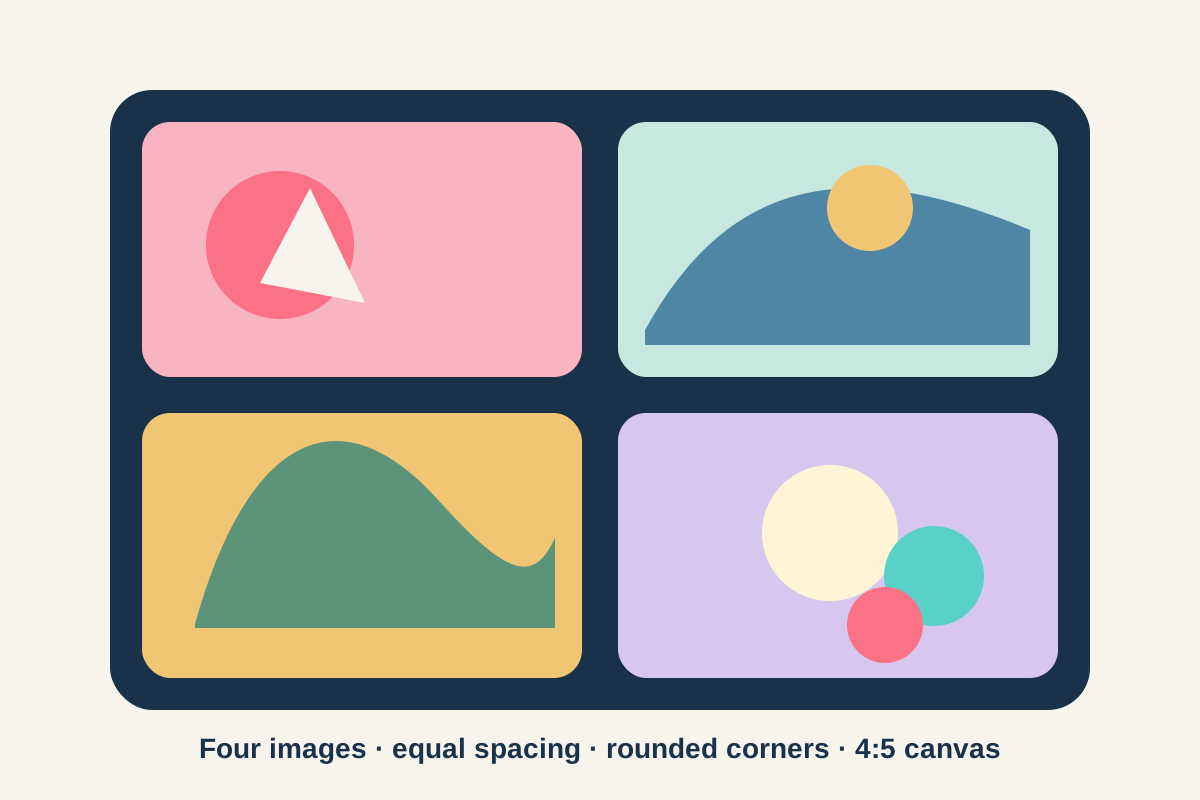
One balanced four-photo layout
The layout example makes the practical controls visible: equal gaps, soft corners, and a vertical 4:5 canvas.
REAL-WORLD USES
What people make collages for
One post instead of ten
A trip, a party, a year of the dog growing up — one square collage tells the story in a single Instagram or WhatsApp post.
Before / after and comparisons
A two-cell strip is the classic way to show a renovation, a haircut, a redesign, or a cleanup — side by side, same size.
Product and listing shots
Show four angles of the thing you’re selling in one image slot. The hero layout puts the best angle big, details small.
WHAT YOU GET
Photo collage maker features
Layouts that stay tidy
Cells align themselves — no nudging boxes around. You pick the structure; the geometry stays clean.
Control inside each cell
Photos fill their frames edge-to-edge, and you slide each one to keep faces centred instead of accepting an automatic crop.
Ratios for real destinations
Square for feeds, 4:5 and 9:16 for vertical formats, A4 for printing. The canvas matches where the collage is headed.
High-res, watermark-free export
2400px on the long edge, JPG or PNG, nothing stamped in the corner. Your photos never leave your browser, either.
01 / FIELD NOTE
Small choices that make a collage look good
Give the photos room to breathe: a consistent gap between cells looks intentional, and a little corner rounding softens a grid of hard rectangles. Match the background to where the collage will live — white for print and light feeds, dark for dark mode screenshots.
And be picky. A 4-photo collage of your best shots beats a 9-photo collage that includes the blurry ones. If a photo needs a trim before it goes in, the Image Cropper is one click away.
NEXT / WORKFLOW
Related tools
Image Cropper
Crop to any ratio, or cut a circle with a transparent background.
Meme Generator
Caption your own picture in the classic style — no watermark.
Image Resizer
Resize images by pixels, percent, cm/inches, or file size.
Compress Image
Make JPG, PNG, and WebP files smaller — free and private.
Image to PDF
Combine photos and scans into one tidy PDF document.
QUESTIONS & ANSWERS
Photo collage FAQ
How many photos can I put in one collage?
Between 2 and 9. As a guest you can start with 3 photos; a free account unlocks the full nine-cell layouts. Every layout keeps itself aligned automatically.
Is the collage maker free? Is there a watermark?
Free, and no watermark at any size. The full 2400px high-resolution export is included, not paywalled.
What size should a collage be for Instagram?
Use the square (1:1) canvas for feed posts and 9:16 for stories. Both are presets here, and the 2400px export is comfortably above what Instagram needs.
Can I print the collage?
Yes — choose the A4 ratio and export as PNG for the cleanest print. At 2400px on the long edge, an A4 print comes out crisp at normal viewing distance.
Are my photos uploaded while making the collage?
No. The layout, cropping, and final export all happen in your browser. Family photos stay on your device — nothing is sent to us.