Free local tool / format conversion
JPG to PNG Converter — a clean copy for editing
Convert JPG to PNG when the next step in your workflow — an editor, a print system, a form — asks for PNG. The conversion happens in your browser, keeps every pixel exactly as it is, and never uploads your image.
Local format workbench
3 files · 80MB / 48MP batch budget · decoded and encoded in this tab
Choose JPG images
Export PNG without uploading the source file. Width and height are preserved.
Drop, browse, or paste an image
STEP BY STEP
How to convert JPG to PNG
Drop the JPG in
Any JPG up to 50MB. The tool verifies it’s a real JPG by its contents, not its filename.
Convert
One click. There are no quality decisions to make, because PNG stores the image without further loss.
Download the PNG
Same width, same height, same picture — now in a format that won’t degrade with future saves.
SEE THE RESULT
Examples that make the workflow clearer
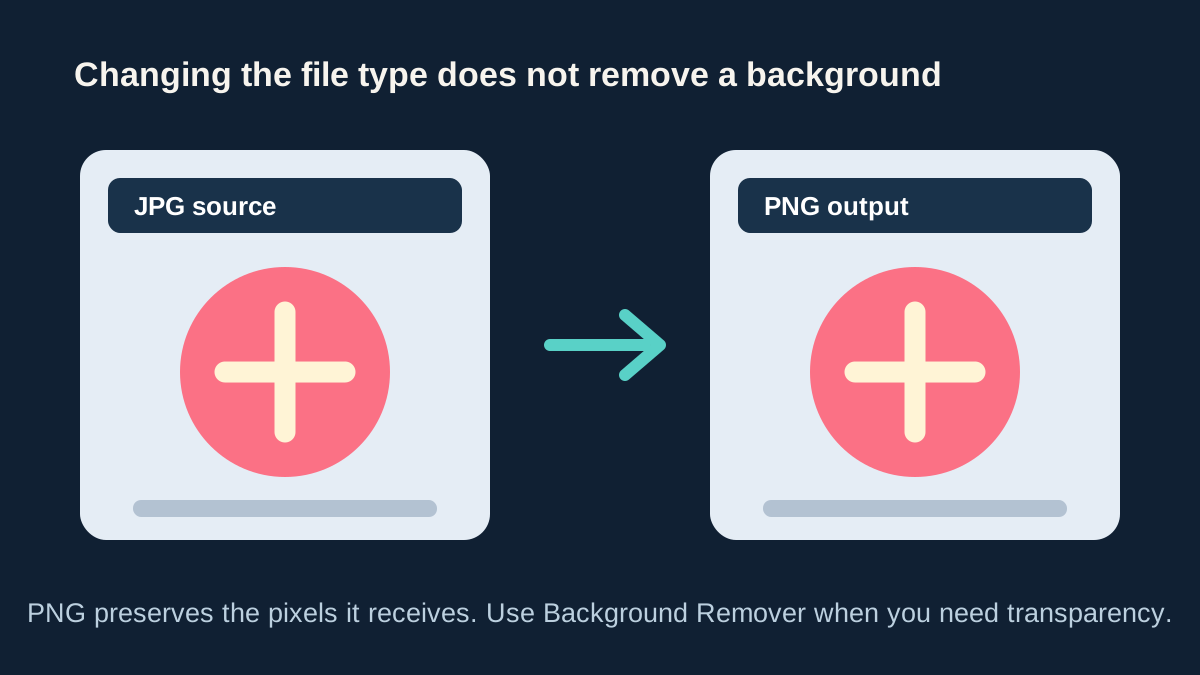
PNG keeps the opaque pixels it receives
Converting a JPG to PNG is useful for lossless editing, but it cannot infer a subject or make its background transparent.
REAL-WORLD USES
Good reasons to convert JPG to PNG
Before heavy editing
If you’ll open, edit, and re-save an image several times, do it in PNG. Each JPG re-save adds damage; PNG saves are free of it. Convert once, edit safely.
Annotation and markup
Adding arrows, boxes, or text? Crisp overlays survive perfectly in PNG, while a JPG re-save would blur their sharp edges.
PNG-only requirements
Some CMSs, print-on-demand services, and app stores insist on PNG uploads regardless of content. This gets you through the gate.
WHAT YOU GET
What this JPG to PNG converter gives you
A true pixel-for-pixel copy
The PNG contains exactly the pixels your JPG decodes to — nothing resampled, recompressed, or resized.
Protection going forward
From this point, every save of the PNG is lossless. It’s a snapshot that stops the quality clock.
No hidden metadata carried over
Camera details and location data from the JPG are not copied into the new PNG.
Private, like all our local tools
The file is read and rewritten on your device. We never see it.
01 / FIELD NOTE
Two honest limits of this conversion
First: PNG can’t heal a JPG. Compression artifacts already baked into the image — blockiness, smudged text, halos around edges — come along unchanged. PNG prevents new damage; it doesn’t undo old damage. If the photo genuinely needs rescuing, that’s AI enhancement territory.
Second: converting to PNG doesn’t create a transparent background. A JPG’s background is made of ordinary opaque pixels, and they stay opaque in the PNG. People often reach for JPG-to-PNG hoping for a cutout — the tool that actually does that is the Background Remover.
NEXT / WORKFLOW
Related tools
PNG to JPG
Get a smaller JPG and choose the color behind transparency.
Image Converter
Convert between JPG, PNG, and WebP — in your browser.
Image Vectorizer
Turn a logo or drawing into an SVG that scales to any size.
Compress Image
Make JPG, PNG, and WebP files smaller — free and private.
Background Remover
Create a clean transparent cutout in one click.
QUESTIONS & ANSWERS
JPG to PNG — common questions
Will converting JPG to PNG improve the quality?
No — the picture stays exactly as it was, flaws included. What you gain is that nothing further is lost from now on, no matter how many times the PNG is edited and saved.
Why is my PNG so much bigger than the JPG was?
That’s expected. JPG compresses photos aggressively; PNG stores them without loss, which takes more space. You’re trading disk space for editability.
Does JPG to PNG give me a transparent background?
No. Transparency has to be created by removing the background, which is a separate operation — see the Background Remover. Format conversion alone keeps every pixel opaque, exactly as it appears.
When is JPG to PNG the wrong move?
For sharing and uploading finished photos — there the JPG’s small size is a feature and PNG just costs bandwidth. Convert to PNG for work-in-progress, deliver in JPG or WebP.
AI, when the task calls for it
Hoping for a transparent background?
A PNG can hold transparency, but only the Background Remover can decide what is subject and what is background. It returns a real cutout as a transparent PNG.
Remove the background